The 5 Best Blood Pressure Apps for Seniors (and the Kind to Avoid)
The 5 best blood pressure apps for seniors: free trackers that log, average, and share readings with your doctor — and why camera apps can't measure BP.
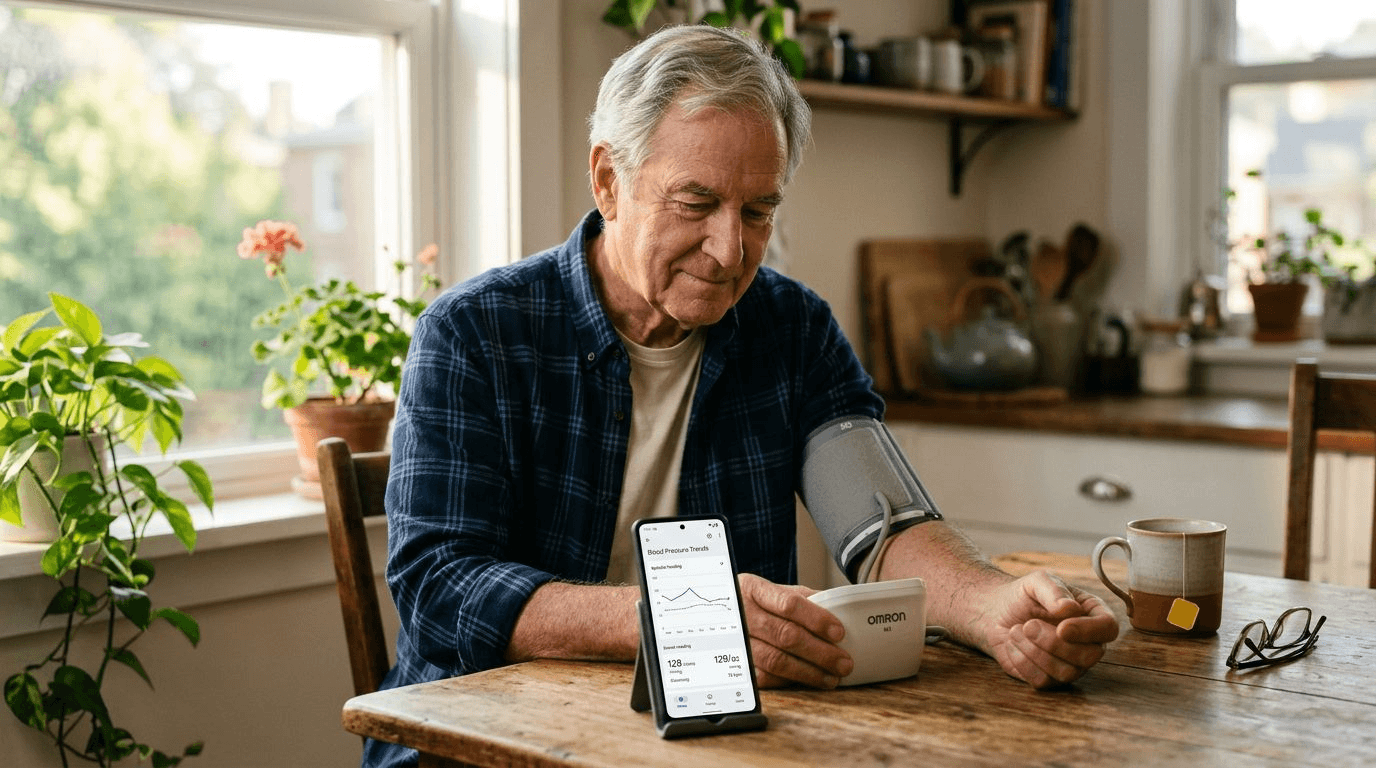
A few years ago, one of the fifty best-selling apps on the iPhone claimed it could measure blood pressure with nothing but the phone: chest, fingertip, camera, done. Then researchers at Johns Hopkins tested it against a real cuff. The result, published in JAMA Internal Medicine, was that more than three-quarters of users with genuinely high blood pressure were told their numbers were fine. The app quietly left the store. Its imitators did not.
That study is the right place to start a guide like this, because "blood pressure app" means two completely different things. One kind pretends to be a medical instrument, and Harvard Health's advice about it is blunt: don't trust any app that uses the phone itself to measure your blood pressure. The other kind is a logbook with superpowers, and for an older adult managing hypertension, the right one genuinely earns its place on the home screen. This guide is about the second kind — which ones are worth installing, and how to tell the difference.
The App Store Has a Blood Pressure Problem
Search "blood pressure" in any app store and the top results mix honest trackers with apps that promise a reading from your fingertip on the camera lens. As of 2026, not one camera- or finger-based app has FDA clearance to measure blood pressure. The physics is the problem: blood pressure is the force of blood against artery walls, and a camera watching color changes in a fingertip is guessing at that force from the outside. Guesses are exactly what a person taking blood pressure medication cannot afford, because a flattering wrong number doesn't just fail to help — it actively hides the thing you are watching for.
So the first rule of choosing: if an app's screenshots show a finger on a camera, close the page. Every app recommended below does something humbler and far more useful — it keeps the numbers your cuff produces, in order, in one place.
What the Right Kind of App Does
The American Heart Association recommends home monitoring for people with high blood pressure, and what clinicians want from it is not a heroic single reading but a pattern: readings at consistent times, usually morning and evening, averaged over a week or two. Done on paper, that means a crumpled log sheet and mental arithmetic in the waiting room. A good app does four jobs instead: it records each reading (typed in, or sent automatically from a Bluetooth cuff), it reminds you when a reading is due, it averages and charts the results, and it turns the whole history into a report you can hand to a doctor. Those four jobs are the scorecard for every pick below.
1. SmartBP — Best Overall
SmartBP has been the quiet standard for blood pressure logging for years, and it fits older users well because the core loop is so plain: open the app, enter the two numbers and pulse, done. Behind that plainness is the most clinician-friendly feature set in the category — summaries grouped into the morning and evening averages doctors actually ask for, tags for readings taken after medication or exercise, and one-tap PDF reports with charts that can be printed or sent ahead of an appointment. It works on iPhone and Android, and through Apple Health it can pull readings automatically from cuffs by OMRON, A&D, iHealth, and Withings, so a Bluetooth cuff removes typing altogether. The free version covers everything a home monitor needs; the premium tier mostly adds conveniences.
2. OMRON Connect — Best If You Own an OMRON Cuff
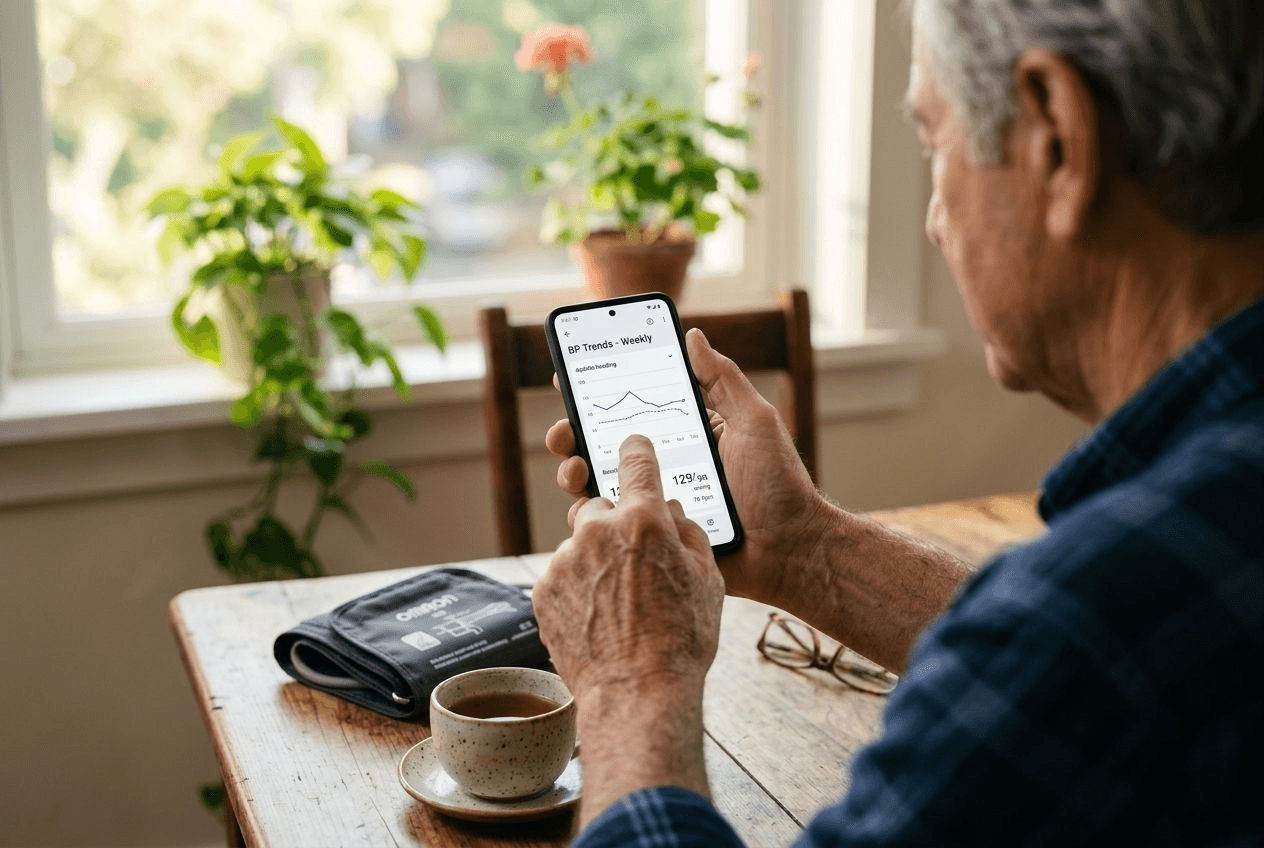
OMRON makes the arm cuffs most often sitting in American homes, and its free companion app is the shortest path from cuff to chart for anyone who owns one. Pair the cuff once and every reading transfers by itself — no typing, no transcription errors, no forgetting. The app shows trends, weekly and monthly averages, and flags high readings, and it passes data on to Apple Health or Google Fit if the rest of the family tracks things there. Its one real limitation is loyalty: it speaks only to OMRON hardware. If that is the brand on your nightstand, this is the app; if not, look at MedM below.
3. Withings — Best for Couples Sharing One Monitor
Plenty of households have one blood pressure monitor and two people who use it. The Withings app handles that gracefully: it supports multiple user profiles, so a husband's readings and a wife's readings stay in separate histories instead of tangling into one misleading chart. Paired with a Withings BPM Connect cuff, readings sync automatically over Wi-Fi or Bluetooth, and the app's design is among the cleanest in the category — large numbers, simple color coding, little clutter. The main caveat is that some export features have moved behind a subscription, so families who need frequent printed reports may prefer SmartBP for that job. As a shared household logbook, nothing beats it.
4. MedM Blood Pressure — Best for Mixing Cuff Brands
MedM's specialty is compatibility. Where OMRON and Withings apps each speak only to their own hardware, MedM Blood Pressure pairs with Bluetooth cuffs from a long list of manufacturers, which makes it the practical choice when the cuff you own — or the replacement you buy on sale — isn't from one of the big two ecosystems. It also works fully offline, a genuine advantage for anyone uneasy about health data living in a cloud account, and it produces tidy PDF and spreadsheet reports for doctors. The interface is more utilitarian than pretty, but for a senior who wants one app to outlast several cuffs, it is the durable pick.
5. Apple Health and Samsung Health — Best Already on the Phone
For a senior who does not want to install, register, or learn anything new, the answer may already be on the phone. Apple Health on the iPhone and Samsung Health on Galaxy phones both log blood pressure alongside medications, weight, and steps, with no new account and no ads. Readings can be typed in directly, or flow in automatically when a Bluetooth cuff's companion app is connected once and forgotten. The trade-off is that these hubs are generalists: no AM/PM averaging presented the way a cardiologist wants it, and reports take more taps to produce. But as a place where the numbers simply and reliably accumulate — and where an adult child helping from a distance can be granted sharing access — the built-ins are quietly excellent.
How the Five Compare
| App | Best for | Free tier enough? | Cuff pairing | Doctor reports |
|---|---|---|---|---|
| SmartBP | Overall tracking and clinic-ready reports | Yes | Many brands via Apple Health | PDF and CSV, AM/PM averages |
| OMRON connect | OMRON cuff owners | Yes | OMRON only, automatic | PDF summaries |
| Withings | Two people sharing one monitor | Yes, for logging | Withings only, automatic | Some exports need subscription |
| MedM Blood Pressure | Mixed or less common cuff brands | Yes | Broadest brand support | PDF and spreadsheet |
| Apple Health / Samsung Health | Nothing new to install or learn | Yes, built in | Via each cuff's companion app | Basic, more taps |
Making Any App Senior-Friendly
Whichever app wins, ten minutes of setup decides whether it gets used in March. Turn the phone's text size up system-wide rather than squinting at the app's defaults. Set the reading reminders to piggyback on an existing habit — after breakfast and before the evening news beats "9:00 a.m." on an abstract clock. Skip every subscription prompt on first launch; the free tiers of all five picks do the job, and a surprise renewal charge is the fastest way to sour a new tool. And if an adult child or caregiver is part of the routine, set up sharing or a monthly PDF export now, while everyone is sitting together, not over the phone in a crisis.
The Cuff Still Does the Measuring
None of these apps is better than the numbers fed into it, which is why the monitor matters more than the software. Use a clinically validated upper-arm cuff — our guide to the most accurate home blood pressure monitors walks through the models worth owning — and give the reading a fair chance: sit quietly for five minutes first, feet flat, back supported, arm resting at heart level, no caffeine or smoking in the half hour before. Take two readings a minute apart and let the app average them. If the trend the app reveals is creeping upward, that chart belongs in front of a doctor — and if it comes with questions about salt and diet, our guide to the DASH diet for seniors covers the eating pattern most often prescribed alongside the cuff.
When the Log Needs Another Set of Hands
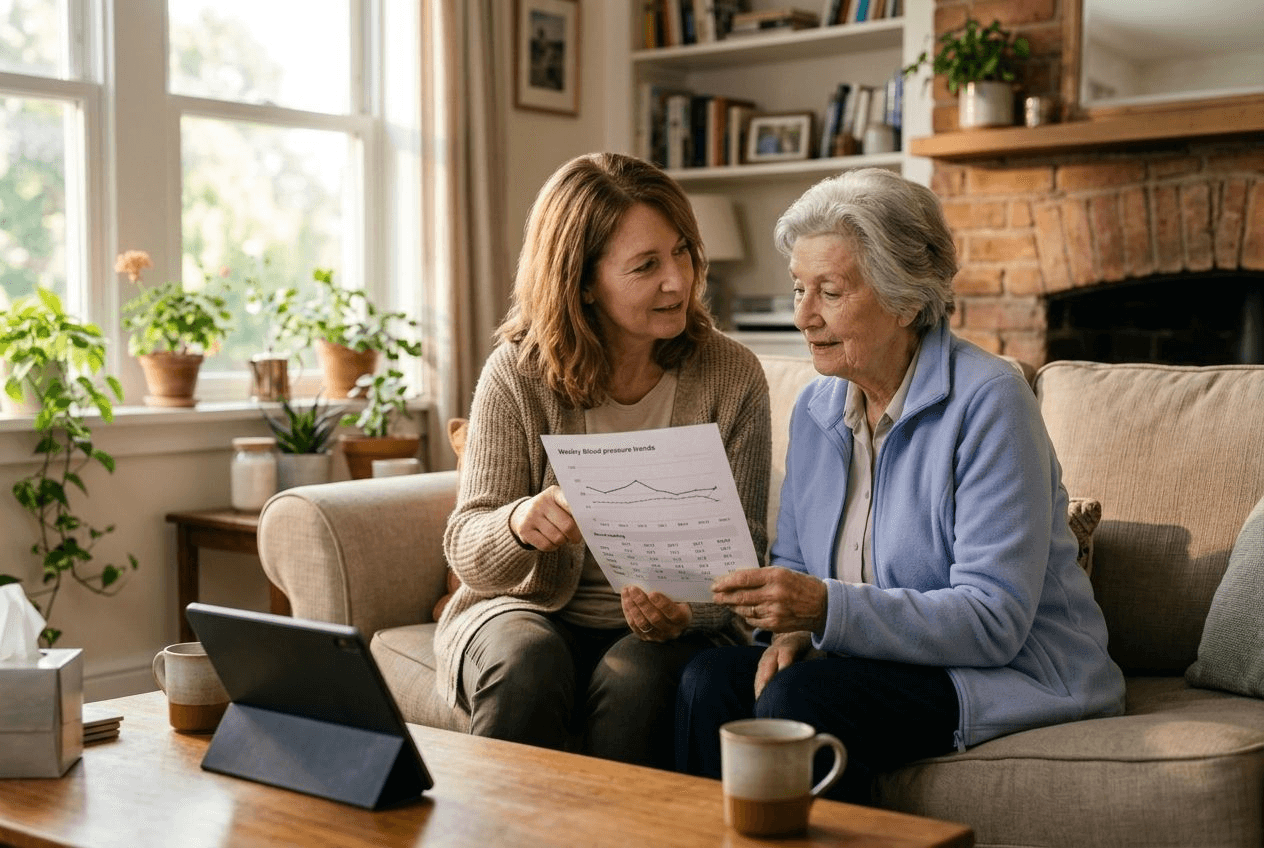
An app can remind, but it cannot wrap the cuff, and the most common reason home monitoring peters out is not technology — it is that the routine has no one to keep it. This is a small, concrete thing a home caregiver does well: making the morning reading part of the same unhurried routine as breakfast and medications, entering the number correctly, and having the report ready when a family member drives Mom to her cardiology appointment. Medication and routine reminders are part of what personal care at home looks like day to day, and Always Responsive Home Care's RN-owned team supports exactly these routines for families across New Jersey — including Bergen County — and on Florida's Gulf Coast through our Sarasota office. The app keeps the history; a steady daily rhythm keeps the app honest. Put the two together, and the next appointment starts with a chart instead of a guess.
Frequently Asked Questions
Can I check blood pressure with my phone?
Not with the phone alone. A smartphone has no way to measure the force of blood against artery walls, and apps that claim to read blood pressure through the camera or a fingertip are estimates without FDA clearance. A study published in JAMA Internal Medicine found that one popular camera-based app falsely reassured more than three-quarters of people who actually had high blood pressure. What a phone does superbly is record: pair it with a clinically validated arm cuff, and an app can log every reading, average them, chart trends, and produce a report for your doctor.
Is there a 100% free blood pressure app?
Yes. Apple Health (built into every iPhone) and Samsung Health (built into Galaxy phones) log blood pressure at no cost with no separate account. Among dedicated trackers, SmartBP, OMRON connect, MedM Blood Pressure, and the Withings app all offer free tiers that cover what home monitoring actually requires: manual or Bluetooth entry, averages, trends, and basic sharing. Paid upgrades mostly add conveniences like extra export formats or cloud features, which most families can skip.
Is there a true blood pressure app?
If "true" means an app that measures blood pressure by itself, no — as of 2026 no camera- or fingertip-based phone app has FDA clearance to measure blood pressure, and the American Heart Association says self-monitoring should be done with a clinically validated cuff device. The true blood pressure apps are companions: SmartBP, OMRON connect, Withings, and MedM receive or record readings from a real cuff and organize them into averages and doctor-ready reports.
What is the best blood pressure app for seniors?
SmartBP is the best overall for most older adults: entry is simple, the app calculates the morning and evening averages clinicians ask for, and one tap produces a PDF report to bring to an appointment. If you already own a Bluetooth cuff, the manufacturer's own app is usually the better fit — OMRON connect for OMRON cuffs, the Withings app for a BPM Connect — because readings transfer automatically and nothing has to be typed. For seniors who want nothing new to learn, logging readings in Apple Health or Samsung Health works fine.
Do doctors want you to track blood pressure at home?
For people with high blood pressure or borderline readings, usually yes. The American Heart Association recommends home monitoring for people with hypertension because it catches patterns a single office visit misses, including white-coat spikes and early-morning highs. The format doctors find most useful is a series of readings taken at consistent times — commonly two in the morning and two in the evening, a minute apart — presented as averages rather than a shoebox of individual numbers. That averaging is exactly the work a good app does automatically.